How to Choose School Management Software in India: A Practical Decision Framework
Buying school management software is a three-to-five-year decision disguised as a monthly subscription. The subscription you can cancel; the switching cost you cannot. Once your student records, fee ledgers, and three years of attendance live inside a system, moving away from it is a project, so the real task is not "find software" but "avoid choosing wrong".
This is a decision framework for school owners and trustees in India, built around the five places where the choice actually goes right or wrong: needs, budget, migration, support, and red flags.
Step 1: Audit your needs before you watch a single demo
Vendor demos are designed to impress; your needs list is designed to filter. Write it first.
Sit with your office staff, your accountant, and two or three senior teachers, and list the tasks that consume the most time or cause the most errors today. Then translate pain into modules:
| Daily pain | Module that solves it |
|---|---|
| Fee follow-up eats the accountant's month | Fee management with defaulter reports and receipts |
| Report card week means late nights | Marks entry with auto-computed grades |
| Parents call the office for everything | Parent app and announcements |
| Attendance registers pile up, percentages computed by hand | Digital attendance with reports |
| Timetable takes a week every term | Timetable builder |
| Admission enquiries live in a notebook | Admissions pipeline |
Mark each row must-have, nice-to-have, or not now. Two rules of thumb: a module nobody named as a pain point will not get used in year one, and any vendor whose demo spends most of its time on your "not now" column is selling their strengths, not your needs.
Step 2: Set a budget around total cost, not the headline price
Indian school software pricing runs from a few hundred rupees a month to lakhs a year, and the headline number is rarely the full picture. Three pricing models dominate (flat tiers by school size, per-student pricing, and per-module pricing) and they behave very differently as your school grows. Per-student pricing looks cheap at 300 students and stings at 800; per-module pricing looks cheap until you need the sixth module.
A workable benchmark: a full-platform system for a single school typically lands in the ₹3,000–₹15,000/month band depending on size. For reference, Edutris publishes flat tiers (Starter at ₹2,999/month (up to 250 students), Professional at ₹7,999/month (up to 1,000 students), Growth at ₹14,999/month (up to 3,000 students)) with Enterprise custom-priced above that.
Whatever the model, get the all-in annual figure in writing: base subscription, every module you marked must-have, SMS charges, any one-time setup fee, and the renewal price. We've written a detailed breakdown of what school management software costs in India if you want to go deeper before shortlisting.
Step 3: Plan the migration before you sign
The single most common reason school software fails is not the software. It is data that never fully made it in. Before signing, get concrete answers to four questions:
- What data moves, and in what format? At minimum: student master records, class and section structure, fee structures, and current-year fee dues. Ask whether the system supports CSV import for students, and who prepares the file.
- Who does the work? "You can import everything yourself" is a very different offer from "our team loads your first dataset with you". For a school office with no IT staff, the second is usually the difference between success and abandonment.
- What is the timeline? Four to eight weeks from signing to full daily use is realistic for one school. Plan the cutover for a term boundary.
- Can you get the data back out? Insist on written confirmation of free data export in CSV or Excel at any time. A vendor who hesitates here is telling you something important about year three.
Step 4: Test the support, not just the software
For a school in a Tier-2 or Tier-3 city, support quality matters more than feature count, because the person hitting a problem is an office clerk at 9 a.m. on fee-collection day, not an IT engineer.
Test it before you buy. Call or message the vendor's support line during your evaluation with a genuine question and note three things: how long the response took, whether the answer came from someone who understood schools, and whether they could converse in a language your staff is comfortable with. Ask directly: who trains our teachers, how many sessions are included, and what happens when we hire new staff mid-year?
Also ask to speak to an existing customer school, and treat the answer honestly. A young vendor with two reference schools who lets you talk to them freely is a safer bet than an established vendor who won't connect you with anyone.
Step 5: Know the red flags
Walk away, or negotiate hard, when you see:
- No published pricing anywhere, every quote is "call us", which usually means the price depends on how eager you look.
- Data export is restricted or chargeable. You are being locked in by design.
- Everything is an add-on, the parent app, SMS, report cards, and exams each cost extra on top of a low base price.
- The demo cannot handle your scenario, if they can't set up your actual fee structure live in front of you, the office staff won't manage it alone later.
- Pressure to sign a multi-year contract before a pilot, a confident vendor lets the product prove itself on your data first.
- Claims that don't survive questions, "used by thousands of schools" with no school willing to take your call.
The shortlist-to-decision process
Put it together as a four-week process: week one, write the needs list and collect all-in quotes from three or four vendors; week two, take demos driven by your scenarios; week three, run a hands-on pilot with real data on your top choice; week four, check references, confirm export rights and renewal pricing in writing, and decide. Involve the people who will live in the system daily (the accountant and two teachers) in the pilot, and weight their verdict heavily.
How Edutris approaches this
Edutris is a school management system built for Indian schools, attendance, fees with online payment, exams and auto-computed report cards, timetable, admissions, and a parent app, on published flat-tier pricing with AI-assisted features included from the Professional plan up. We are early-stage and honest about it: our current deployment is a pilot with an education society in Belagavi district, Karnataka, and instead of a self-serve free trial we run a 30-day guided pilot, our team helps load your data and gets your staff through a real working cycle before you pay for an annual plan. If the framework above is how you want to buy, that is exactly the evaluation we're set up for.
Written by the Edutris team, led by Manjunath Shedabal, Founder
Every product claim traces to verified capability; unshipped features live on the roadmap. Read our editorial policy.Free: The School Digitalisation Checklist
25 checkpoints across records, attendance, fees, communication, and compliance: score your school in 5 minutes and see exactly where time and fee revenue leak.
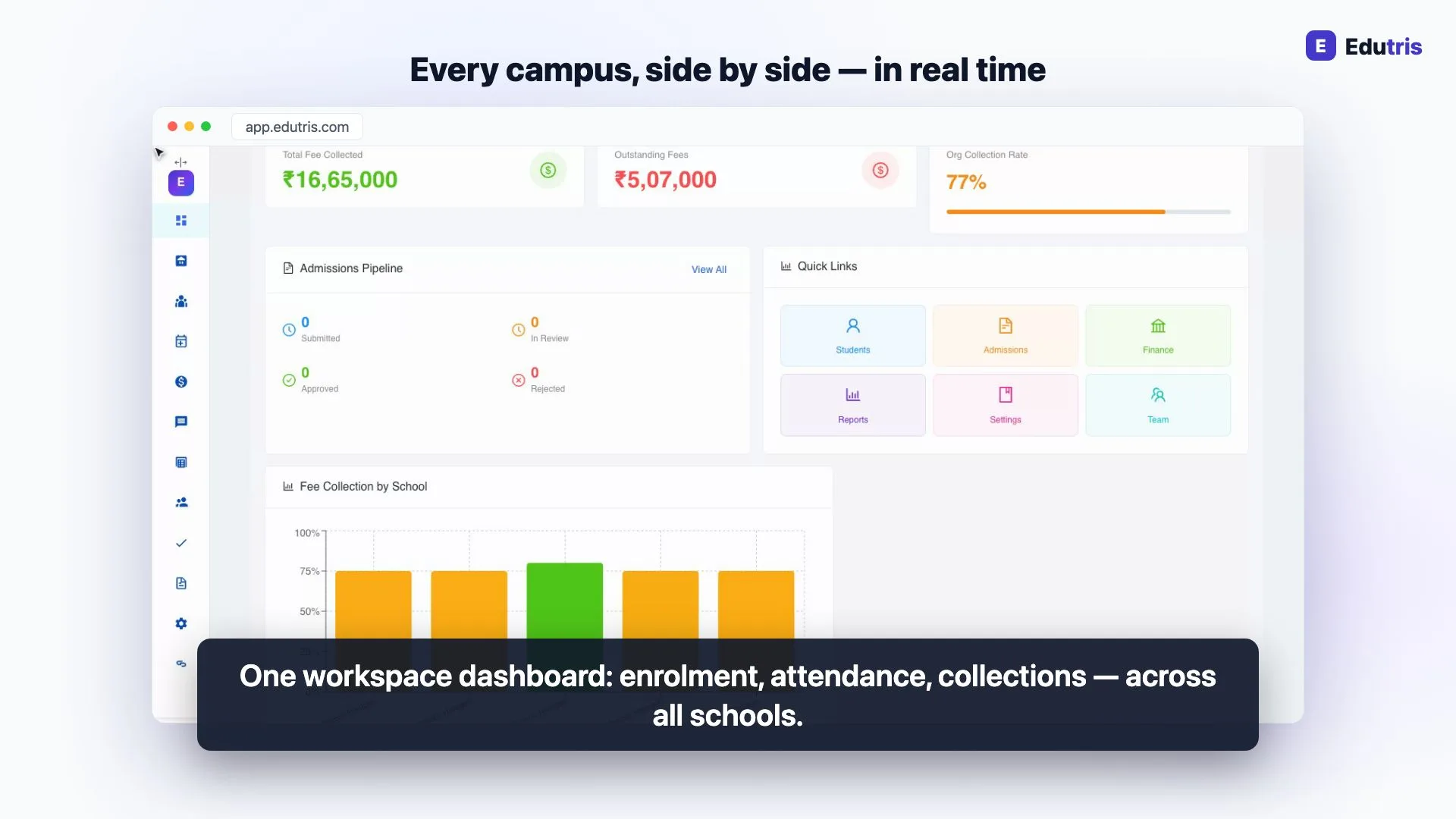
How Edutris gives school owners real-time control
Frequently Asked Questions
What should a school check before buying school management software?
Four things, in order: whether the software covers your actual daily pain points (not a feature list), whether the total price is predictable for your student count, how your existing data will get into the system and who does that work, and how support behaves after the sale. Ask for a working demonstration on your own scenarios (a fee structure like yours, a report card like yours) rather than a canned tour. Also confirm in writing that you can export your data at any time in a standard format like CSV.
How long does it take a school to move to a new management system?
For a single school, the realistic window is four to eight weeks from signing to daily use: one to two weeks to load student, class, and fee data; one to two weeks to configure fee structures, timetables, and user accounts; and the rest for staff training and running one full fee or attendance cycle. Schools that rush this into a single week usually end up with half-loaded data and staff who quietly go back to registers. Plan the switch for a natural break, the start of a term or the new academic year.
Should a small school buy an ERP or a simpler management system?
Most schools under 1,000 students need a school management system (student records, attendance, fees, exams, report cards, and parent communication) rather than a full ERP with procurement, inventory, and multi-entity accounting. An oversized ERP adds cost and training burden without daily benefit. Choose the smaller, well-implemented system first; you can move up later if the school or trust genuinely outgrows it.
Is a free trial better than a paid pilot for school software?
A self-serve free trial tests whether you can figure the software out alone; a guided pilot tests whether the vendor will actually stand behind an implementation. For a school, the second question matters more, because the hard part is loading real data and getting 30 teachers to use it daily, not clicking around an empty account. Whichever a vendor offers, insist on running one real cycle (a fee collection round or a month of attendance) with your own data before committing to an annual contract.
Read next
- 01For School Owners
School ERP vs School Management Software: What's the Difference and What Do You Need?
Schools are sold everything from basic attendance apps to enterprise ERPs. How to cut through the jargon and work out what a school of your size actually needs.
- 02For School Owners
The Right Software for a 200-Student School (Hint: It Isn't the Enterprise Suite)
A 200-student school doesn't need enterprise software. What actually matters when one office admin runs everything, and which modules to skip.
- 03For School Owners
Switching School ERPs Mid-Year: When It Makes Sense and How to Do It Safely
When switching your school ERP mid-session makes sense, when to wait for April, and a practical checklist for moving students, fee ledgers and marks.
- 04For School Owners
How to Reduce School Fee Defaulters by 40%: A Practical Guide for Indian Schools
Fee defaulters cost Indian schools 8–15% of annual revenue. A step-by-step system for collecting on time with online payments and disciplined reminders.
- 05For Principals
10 School Tasks You Can Automate Today (Without Changing How You Teach)
Ten genuinely automatable school tasks (from absence alerts and fee receipts to hall tickets and timetables) with what each one replaces in the office.
- 06For School Owners
The Admission Season Playbook: What the Office Needs Ready Before the First Application Arrives
An operational playbook for whoever actually runs admission season: the readiness list, a stage-by-stage calendar, and the front-desk capacity math.