Digitising a School in India: A Realistic 90-Day Plan for Owners
Most school digitisation efforts in India do not fail because the software is bad. They fail because everything is switched on at once, in the middle of a term, with one training session, and by month two the staffroom has quietly returned to registers and receipt books, and the licence renews unused.
If you own or run a school and are planning to digitise, the single most useful decision you can make is sequencing. Here is a 90-day plan that reflects how schools actually absorb change, one core workflow at a time, each producing a visible win before the next begins.
Before Day 1: Decisions That Determine Everything
Three things to settle before any software is touched:
- Name an internal owner. Not the vendor, not "the office": one person (often the vice-principal or a senior administrator) who owns the rollout, chases stragglers, and has the authority to say "the digital record is now the official one".
- Pick the start date deliberately. The best windows are term beginnings or the summer break run-up. The worst is mid-exam-season. You need 90 days without a major institutional event competing for staff attention.
- Budget honestly. Plan for the subscription (Edutris starts at ₹2,999/month for schools up to 250 students: see pricing) plus the hidden costs: staff hours for data cleaning, a few training sessions, and possibly a tablet or two for the front desk.
Month 1: Clean Data + Daily Attendance
Weeks 1–2: get the student data right. Everything else reads from the student database, so this is the foundation, and it is genuinely tedious. Collect the current student list, verify names, dates of birth, sections and guardian phone numbers, and import via CSV. Expect to find the mess digitisation always exposes: three spellings of the same name across the fee file, the register and the old Excel sheet. Fixing this now is the whole point; every module you add later inherits clean data.
Set up staff accounts with the right roles at the same time (teachers, office staff, accountant, principal) so week 3 starts with everyone able to log in.
Weeks 3–4: attendance goes digital. Attendance is the right first workflow because every teacher touches it daily and the payoff is immediate. Run a short hands-on training (on teachers' own phones, not a projector), run attendance in parallel with the paper register for two weeks, then cut over on an announced date.
The visible win: parents of absent students hear the same morning, and the principal sees whole-school attendance on one screen. That win is what buys you staffroom credibility for month two. (How the attendance module works.)
Month 2: Fees + the Parent App
Weeks 5–6: fee structures and collection. Configure your fee structures (class-wise amounts, instalments, transport or other components) and verify them against what you actually charge, because errors here reach parents. Then move collection to the system: every payment (cash, cheque, online, bank transfer) recorded at the counter, with a printed or digital receipt from the fee module. The owner's win arrives fast: a live view of collected, pending and overdue amounts, instead of waiting for a month-end tally from the accountant.
Weeks 7–8: roll out the parent app. This is the most externally visible step, so stage it: a written circular announcing the school is going digital, install instructions sent to guardians, and help desks at drop-off time for the first week: many parents will need a hand installing it. From day one the app should show attendance, announcements, timetable and fee status with downloadable receipts, so it proves its usefulness immediately rather than arriving as one more thing to install.
Be prepared for adoption to be gradual. A realistic aim is a solid majority of families in the first month, growing as report cards and fee receipts pull the rest in. Keep SMS in the loop for the families you haven't reached yet.
Month 3: Exams, Report Cards and the Operating Rhythm
Weeks 9–10: run an exam through the system. Schedule an internal test in the platform, have teachers enter marks into the roster grid (grades compute automatically), and generate report cards. Choose a low-stakes internal exam for the first run (not the terminal exam) so teething problems cost nothing.
Weeks 11–12: publish results and close the loop. Publish report cards to the parent app, section by section, using the release controls: nothing goes out before the school decides it does. With attendance, fees and results all flowing, the leadership dashboard becomes genuinely useful: attendance trends, collection status and academic performance in one place, with reports exportable for management reviews.
Use the final week to set the operating rhythm that keeps digitisation alive after day 90: a monthly attendance review, a monthly fee-collection review, and a per-exam results cycle. Digitisation is not the software going live; it is these reviews happening from the system instead of from paper.
The Honest Section: What Will Go Wrong
- Resistance is rational. Teachers have watched initiatives die before. Don't lecture; let the 30-second attendance screen and the disappearance of month-end tallying make the argument. Champions in the staffroom beat memos from the office.
- The parallel-run trap. Running paper and digital together indefinitely doubles the work and tells everyone digital is optional. Parallel-run each workflow briefly, then cut over on a date, in writing.
- Data cleaning takes longer than you think. Budget real staff hours for weeks 1–2. It is dull, and it is the single highest-return activity in the whole plan.
- Leadership consistency decides the outcome. The day the principal accepts a paper report "just this once", paper is back. The owner's job in these 90 days is mostly to hold that line.
What you should have at day 90: clean student records, daily digital attendance with same-morning parent alerts, fee collection with a live outstanding view, a parent app in most families' hands, and one full exam cycle run digitally. Payroll, library, transport and the deeper analytics can follow next term, on top of a foundation that works.
How Edutris Fits This Plan
Edutris is built to be rolled out in exactly this sequence: CSV student import and role-based staff accounts in week one, one-tap teacher attendance with parent alerts, fee structures with multi-mode collection and receipts, a parent app that shows attendance, fees, timetable and results, and an exam-to-report-card cycle with per-section publish control. Every new school starts with a 30-day guided pilot, our team works with your data and your staff through month one of this plan, rather than handing over logins and wishing you luck. Book a demo to walk through the plan against your school's specifics.
Written by the Edutris team, led by Manjunath Shedabal, Founder
Every product claim traces to verified capability; unshipped features live on the roadmap. Read our editorial policy.Free: The School Digitalisation Checklist
25 checkpoints across records, attendance, fees, communication, and compliance: score your school in 5 minutes and see exactly where time and fee revenue leak.
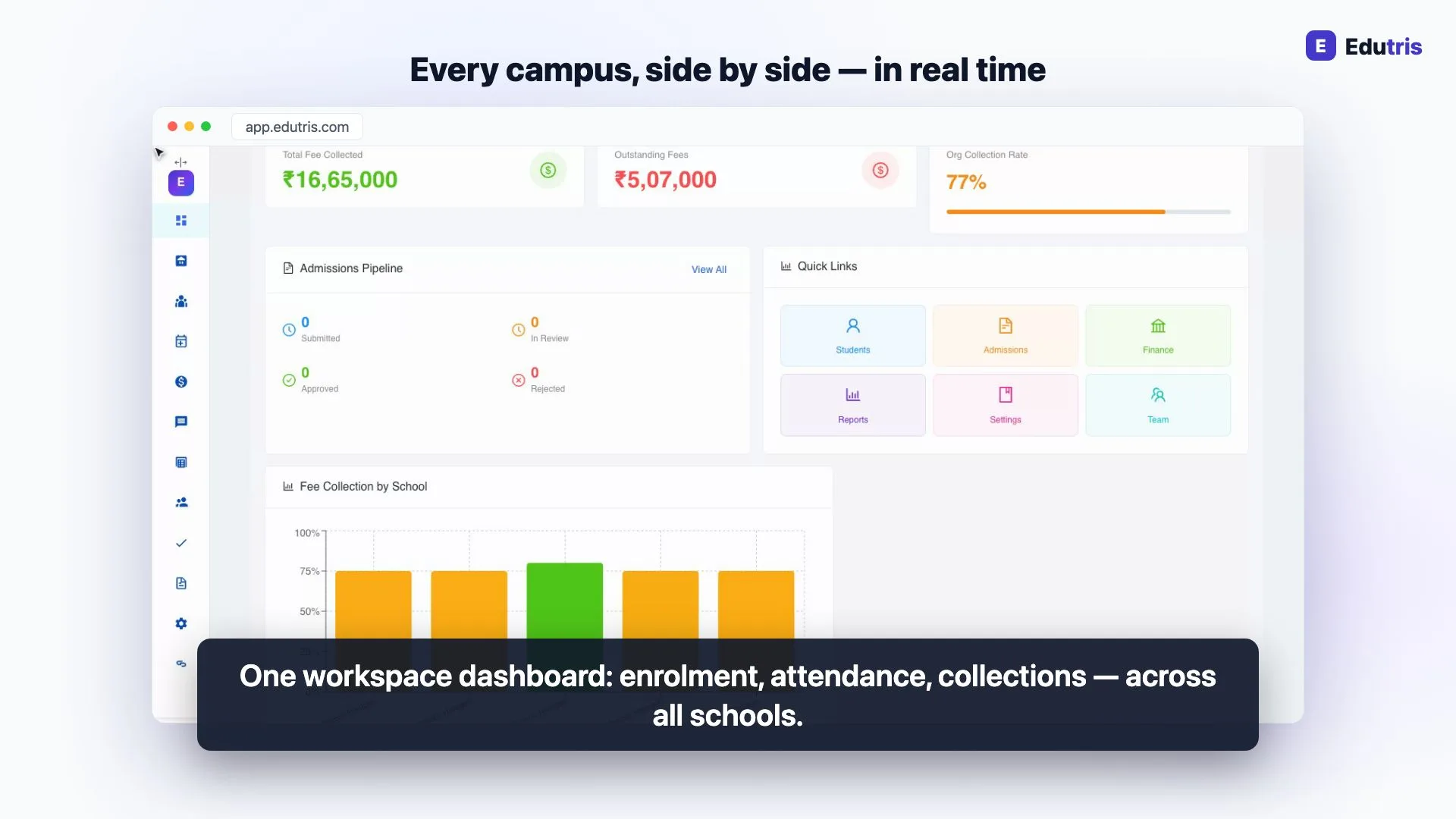
How Edutris gives school owners real-time control
Frequently Asked Questions
How long does it take to digitise a school in India?
A single school can get the core running (clean student data, daily digital attendance, fee collection and the parent app) in about 90 days if the rollout is phased and someone owns it internally. That does not mean everything is digital in 90 days; exams, payroll, library and transport can follow in the next term. The schools that struggle are the ones that try to switch everything on at once, overwhelm staff, and quietly slide back to paper by the second month.
What should a school digitise first?
Student data and daily attendance. Clean student records are the foundation every other module builds on, fees, exams, and the parent app all read from the same student database. Attendance is the right first workflow because every teacher touches it daily, it takes seconds once learnt, and it produces a visible win (same-day parent absence alerts) within the first weeks. Fees should come second, and only after the student data underneath is verified.
How do you handle teacher resistance to school software?
Expect it, and treat it as reasonable rather than as obstruction: teachers have seen initiatives arrive with fanfare and die by December. Three things work: pick workflows that are genuinely faster than paper so the tool sells itself; train in small hands-on sessions on teachers' own phones rather than one projector lecture; and identify two or three staff members as internal champions who help colleagues in the staffroom. Leadership consistency matters most, if the principal keeps accepting paper reports, paper wins.
Should a school run paper and digital systems in parallel?
Briefly and deliberately, yes, then stop. A two-to-four-week parallel run for a workflow like attendance or fee receipts builds confidence and catches data problems safely. But an open-ended parallel run doubles everyone's work and signals that the digital system is optional. Set an explicit cutover date for each workflow, announce it in advance, and after that date treat the digital record as the official one.
Read next
- 01For School Owners
How to Design a School Fee Structure: Heads, Terms, Concessions and Due Dates
A practical guide to designing a school fee structure in India: choosing fee heads, class-wise amounts, collection frequency, concessions and due dates.
- 02For School Owners
Reducing Student Dropout: How Schools Improve Retention Year on Year
Why families leave a school mid-cycle (fees, communication, academics, transport) and a practical retention playbook that protects enrolment and revenue.
- 03For School Owners
Teacher Retention: Why Teachers Leave Schools and How to Keep Them
Why good teachers leave Indian schools (pay delays, admin overload, no growth path) and practical ways school owners can improve teacher retention.
- 04For School Owners
The Right Software for a 200-Student School (Hint: It Isn't the Enterprise Suite)
A 200-student school doesn't need enterprise software. What actually matters when one office admin runs everything, and which modules to skip.
- 05For Principals
The CBSE Grading System Explained: Grade Bands, Grade Points and CGPA
How CBSE's 9-point grading works: the A1–E band table, grade points, and how CGPA and an indicative percentage are calculated, in plain English.
- 06For Principals
RTE Admissions Explained: The 25% Quota, Documents and Reporting
How the RTE Act's 25% quota works for private schools in India: who qualifies, the admission process, documents, reimbursement and record-keeping.