Switching School ERPs Mid-Year: When It Makes Sense and How to Do It Safely
Every school owner who is unhappy with their current software has had the same thought: we'll switch in April. The new academic year is the natural moment, fresh admissions, fresh fee cycle, no half-finished data to carry across. And then April comes, admissions season swallows everyone's time, and the school signs one more year with a system nobody likes.
Sometimes waiting for April is right. Sometimes it is an expensive habit. This article lays out when a mid-year switch actually makes sense, and (because the fear of migration is what keeps most schools stuck) a concrete checklist for doing it without losing data or sleep.
When switching mid-year makes sense
A mid-session switch is justified when the current system is causing ongoing, compounding damage:
- Fee collection you cannot trust. If you cannot say with confidence what each student owes right now, every month adds more untraceable gaps. This is the most common (and most expensive) trigger.
- A vanished vendor. Support tickets unanswered, the product visibly unmaintained, renewal uncertain. Migrating on your own schedule beats migrating in a panic when the system goes down.
- A deadline the system cannot meet. Board exam registrations, hall tickets, report cards, if the current tool cannot produce what the next term demands, waiting for April means improvising through exactly the season you need it most.
- Paper, not software. If you are moving from registers rather than from another ERP, there is no "old system" to wind down: a mid-year start simply means your digital history begins now instead of ten months from now.
When waiting for April is the right call
Equally, be honest about the other side. Wait if the pain is irritation rather than damage, clunky screens, a missing nice-to-have. Wait if your office is one person deep and the next three months contain your annual exams and results. And never schedule a cutover inside a fee-collection peak or the fortnight before report cards go out. A migration needs a few calm weeks; give it some.
What actually has to move: the data checklist
The secret of a sane migration is that far less must move than people fear. Split everything into three buckets:
| Bucket | Examples | What to do |
|---|---|---|
| Must migrate | Student master records, current-year fee positions, current-year marks | Export, clean, import, verify |
| Rebuild fresh | Fee structures, class/section setup, timetable, staff accounts | Faster to recreate than migrate |
| Archive only | Previous years' registers, old receipts, ex-student records | Export to files, store safely, load later only if needed |
Students first. Export the student list from the old system (or type it once from the admission register) into a spreadsheet: name, admission number, class, section, date of birth, parent names and phone numbers. Clean it before import: duplicate admission numbers and dead phone numbers are cheaper to fix in a spreadsheet than in a live system. This file becomes your CSV import.
Fee ledgers second, and most carefully. You do not need every historical receipt migrated. You need each student's current position: total fees for the year, amount paid so far, amount outstanding. Reconcile this in the old system first (chase the known discrepancies now), then carry the verified balances into the new system as each student's opening position. Print or export the old ledger as a permanent archive before you retire it.
Marks third. Carry the current year's completed exams so report cards remain complete; leave older years in the archive.
The parallel run: the step schools skip and regret
For two to four weeks, run both systems. Teachers mark attendance in the new system; the office keeps the old one available read-only. Fees are collected in the new system, and the week's totals are cross-checked against the accountant's independent tally. You are looking for the boring failures, a section mapped wrongly, a student missed in import, an outstanding balance that disagrees with the parent's receipts.
The parallel run ends with a deliberate decision, not a drift: balances verified, teachers comfortable, old system archived and switched to reference-only. Write the date down.
Questions to put to the incoming vendor
Migration quality varies more between vendors than any feature does. Ask: Do you import students via CSV, and can we see it done with our file? Who does the work: us, you, or both, and who verifies? What does onboarding look like week by week? What happens to our data if we later leave you? (A vendor confident about letting you exit is a vendor you can safely enter with. Our 12-question evaluation guide covers the rest.)
How Edutris handles a mid-year move
Edutris was built with this exact journey in mind, our first deployment is a pilot with an education society in Belagavi district, Karnataka, and schools moving from registers and part-used systems is the reality we design for, not an edge case. Student records come in through CSV import, so your cleaned spreadsheet becomes live student profiles in one step. Classes, sections, fee structures and timetables are set up fresh in the system, and each student's verified opening fee position is recorded so collections continue without a gap.
Rather than a free-trial-and-figure-it-out model, Edutris runs a 30-day guided pilot: a structured month in which our team works through the setup, import and parallel-run stages above with your office staff, and you judge the system on your own data before committing. If a mid-year switch is on your mind, book a walkthrough and bring your messiest question: the fee ledger one, usually. That is the right place to start.
Written by the Edutris team, led by Manjunath Shedabal, Founder
Every product claim traces to verified capability; unshipped features live on the roadmap. Read our editorial policy.Free: The School Digitalisation Checklist
25 checkpoints across records, attendance, fees, communication, and compliance: score your school in 5 minutes and see exactly where time and fee revenue leak.
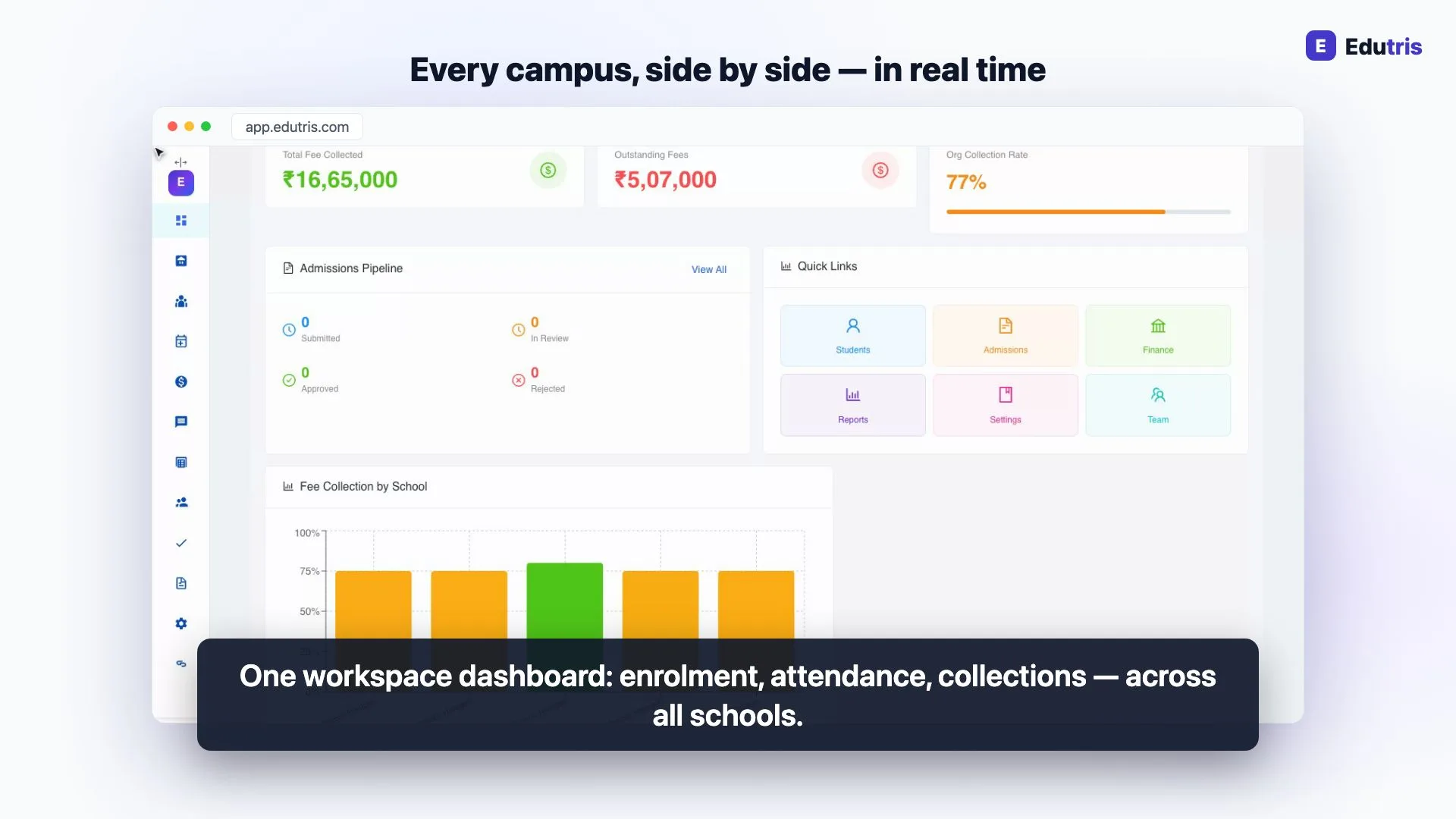
How Edutris gives school owners real-time control
Frequently Asked Questions
Is it safe to change school management software in the middle of the academic year?
It can be, if you respect two rules: never switch during a fee-collection peak or exam-result season, and always run the old and new systems in parallel for a short period before retiring the old one. Mid-year switches fail when a school flips over in one weekend and discovers gaps on Monday. They succeed when the school picks a quiet window (often after mid-terms) moves data in stages, and verifies each stage against the old records before depending on the new system.
What data needs to be migrated when switching school ERPs?
Three datasets matter most: student master records (names, classes, admission numbers, parent contacts), fee positions (what each student has paid this year and what is outstanding), and current-year marks. Staff records, timetables and the fee structure itself are usually faster to rebuild in the new system than to migrate. Historical data from previous years is worth exporting and archiving, but you rarely need it loaded into the new system on day one: a clean current-year position is the real goal.
How long does a school ERP migration take?
For a single school, plan for four to six weeks from export to full cutover, not the 'go live in a day' some vendors promise. The calendar time is not the data transfer itself (a student CSV imports in minutes) but the verification: checking fee balances student by student, letting teachers mark attendance in both systems for a week or two, and fixing the mismatches you will inevitably find. Edutris structures this as a 30-day guided pilot, which maps well onto a careful mid-year migration.
Should we wait until April to switch instead?
April (the start of the Indian academic year) is genuinely the cleanest switching point: no mid-year fee positions to carry over and a natural fresh start for records. If your current system is merely mediocre, waiting is reasonable. But if it is actively costing you (fee leakage you cannot trace, a vendor who has stopped answering, or board-related deadlines the system cannot support) the cost of ten more months usually outweighs the convenience of a clean April start. The right question is not the calendar; it is what the current system is costing you per month.
Read next
- 01For School Owners
School ERP vs School Management Software: What's the Difference and What Do You Need?
Schools are sold everything from basic attendance apps to enterprise ERPs. How to cut through the jargon and work out what a school of your size actually needs.
- 02For Principals
10 School Tasks You Can Automate Today (Without Changing How You Teach)
Ten genuinely automatable school tasks (from absence alerts and fee receipts to hall tickets and timetables) with what each one replaces in the office.
- 03For School Owners
How to Choose School Management Software in India: A Practical Decision Framework
A step-by-step framework for Indian school owners: audit your needs, set a realistic budget, plan the migration, test support, and spot vendor red flags.
- 04For School Owners
The Right Software for a 200-Student School (Hint: It Isn't the Enterprise Suite)
A 200-student school doesn't need enterprise software. What actually matters when one office admin runs everything, and which modules to skip.
- 05For School Owners
School Data and India's DPDP Act: A Plain-English Guide for School Owners
What India's DPDP Act 2023 means for schools holding student and parent data: consent, purpose limitation and breach duties, without the jargon.
- 06For School Owners
From Staff Attendance to Payroll Without Double Entry: Fixing the Register→Excel→Salary Chain
Most schools compute salaries by copying the staff register into Excel and Excel into salary sheets. Here is how to collapse that chain into one system.