10 School Tasks You Can Automate Today (Without Changing How You Teach)
"Automation" is one of the most oversold words in school software, so let us define it narrowly: a task is automatable when the inputs already exist in your school's records and the output requires no judgement, only computation, formatting, or delivery. A machine should never decide whether to admit a child. It absolutely should compute an attendance percentage, generate a receipt, or fan an announcement out to 400 families.
By that definition, here are ten tasks most Indian schools still do by hand that school automation software can genuinely take over today. Each one is something Edutris actually does, no roadmap items, no "coming soon".
1. Same-day absence alerts to parents
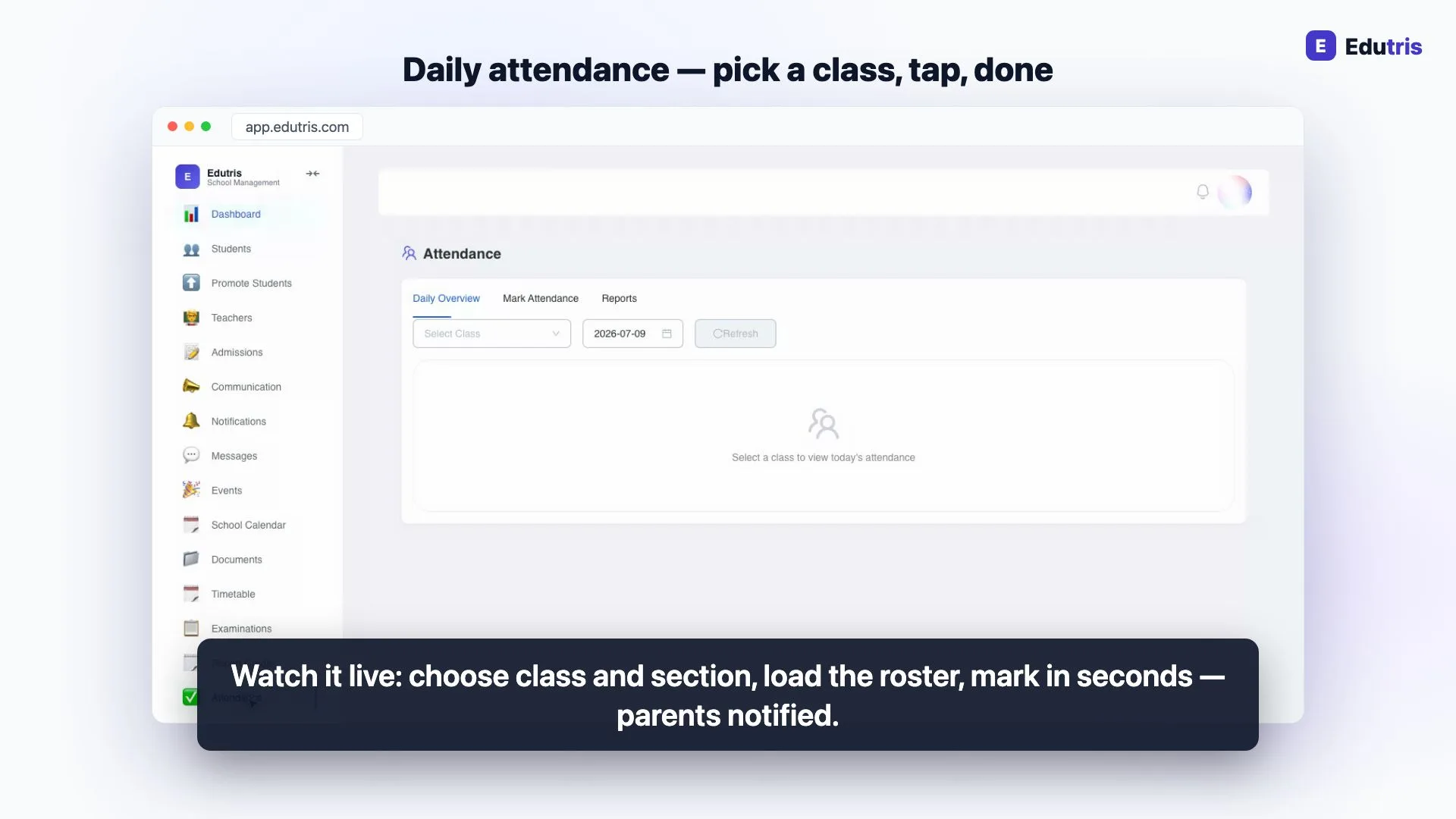
Manual version: the office calls absent students' homes, usually only the chronic cases, usually late. Automated version: the teacher marks attendance once; parents of absent students are notified the same day through the app or SMS. The teacher's two-minute marking round doubles as the parent-communication round, and no absence goes silently unnoticed until Saturday.
2. Fee receipts
Manual version: a handwritten or typed receipt per payment, a copy filed, and re-issued on request when a parent loses theirs. Automated version: the receipt is generated the moment the accountant records a payment (cash, cheque, bank, or online) and parents can download it themselves from the portal. Receipt books, carbon copies, and "please re-issue receipt" visits disappear together.
3. Outstanding-fee and defaulter lists
Manual version: the accountant cross-checks the fee register against the student list at month end to build the defaulter list. Automated version: the outstanding list is a live view (who has paid, part-paid, or not paid) computed continuously from the same records the receipts came from. Reminders remain deliberately human: in Edutris they are one-click per family (optionally AI-drafted on eligible plans), sent by a person, not by a scheduler.
4. Report-card computation
Manual version: teachers tally marks per subject, convert to grades by hand, and someone assembles and checks each report card. Automated version: teachers enter marks once in a roster grid; grades compute automatically, and report cards are assembled per student. The school controls release (nothing reaches parents until the principal publishes for that section) and printing is one action per class instead of a typing project.
5. Timetable generation
Manual version: the famous chart-paper-and-pencil fortnight, redone every time a teacher joins or leaves. Automated version: an auto-generate function produces a working grid honouring your periods and teacher assignments, which you then adjust in an editor. Better still, the timetable becomes live data: teachers' and students' dashboards show today's schedule from it, and a change made once is a change made everywhere. (More on this in how to build a school timetable in 30 minutes.)
6. Hall tickets
Manual version: typing, printing, and distributing hall tickets per student per exam, and reprinting the lost ones during exam week. Automated version: hall tickets are generated from the exam schedule and student records. The school controls release per section; once released, students download their own. The exam office's job shrinks to scheduling the exam and pressing release.
7. Certificates: bonafide, TC, conduct
Manual version: each request means finding the student's file, typing the certificate, getting it checked and signed. Automated version: the certificate is issued from the student's existing record (bonafide, transfer, or conduct) in a clean printable format, with the issue logged. A task that took a day's turnaround becomes a same-visit task at the front desk.
8. Admission applications and status tracking
Manual version: paper forms at the gate, a register of applicants, and parents calling the office to ask "any update?" Automated version: families apply through a public online form (no login needed), upload documents, and track their application's status themselves with a tracking ID. The school reviews and decides (approve, waitlist, reject) inside a pipeline view that always knows how many applications sit at each stage. The judgement stays with the principal; the paperwork and the status phone calls go away.
9. Announcement fan-out
Manual version: a circular photocopied 400 times, sent via school bags, read by an unknowable fraction of parents. Automated version: the office writes the announcement once, targets the audience (whole school, specific classes, staff only) and publishes. Delivery to apps, portals, and notifications is the system's problem. The photocopier budget and the "we never received the circular" conversations both shrink.
10. Library overdue tracking
Manual version: someone periodically reads the issue register to figure out which books are overdue and who has them. Automated version: issues and returns are recorded at the desk, and the overdue list computes itself, which books, which students, how long. Follow-up is a targeted conversation with a known list, not an audit of the register. (One honest note: the system flags overdues; it does not send automatic reminder messages.)
What deliberately stays manual
A credible automation list should also say what it excludes. Decisions stay human everywhere in this list: admissions outcomes, fee waivers, report-card release, disciplinary records, and every message a parent receives is either triggered or approved by a staff member. And two things some vendors imply but you should verify anywhere you shop: Edutris does not send scheduled/automatic fee reminders (reminders are one-click manual), and does not integrate WhatsApp: communication runs over SMS, email, app notifications, and in-app messages.
How Edutris handles this
All ten tasks above are shipped Edutris functionality, verified in the product today: attendance marking with parent alerts, fee collection with instant receipts and live outstanding views, auto-computed report cards with publish control, timetable auto-generation feeding live dashboards, hall-ticket release, certificate issuance, a public admissions portal with tracking, targeted announcements, and library overdue tracking. They come as one system rather than ten tools, so the data entered once (attendance, marks, payments) powers every downstream automation.
Plans are flat-priced (Starter at ₹2,999/month for schools up to 250 students, Professional at ₹7,999/month up to 1,000 students) and every school starts with a 30-day guided pilot. A good pilot plan: pick three tasks from this list that hurt the most, run them digitally for a month, and measure the office hours that come back.
Written by the Edutris team, led by Manjunath Shedabal, Founder
Every product claim traces to verified capability; unshipped features live on the roadmap. Read our editorial policy.Free: The School Digitalisation Checklist
25 checkpoints across records, attendance, fees, communication, and compliance: score your school in 5 minutes and see exactly where time and fee revenue leak.
How Edutris removes the daily chaos for principals
Frequently Asked Questions
What school tasks should be automated first?
Start with the tasks that are high-frequency and low-judgement: fee receipt generation, same-day absence notifications to parents, and report-card grade computation. These run daily or per-term, involve no discretion, and their manual versions consume the most office hours per year. Tasks involving judgement (admission decisions, disciplinary matters, parent conversations) should stay human; automation's job is to remove the clerical work around them, not the decision.
Does school automation mean messages get sent without staff approval?
It shouldn't, and in a well-designed system it doesn't. The useful pattern is 'system prepares, human confirms': the system computes the grades, drafts the reminder, or flags the overdue book, and a staff member reviews and triggers the action. In Edutris, for example, fee reminders are one-click but always sent by a person, and report cards publish only when the school explicitly releases them. Automation removes the tallying and typing, not the accountability.
How much staff time does automating these tasks actually save?
It depends entirely on your current process and school size, so be wary of vendors quoting universal percentages. The honest way to estimate it for your own school: pick three tasks from this list, time what they cost your office in a normal week (receipt writing, absence phone calls, tallying attendance for reports) and multiply out over a term. Start with the fee and attendance clusters, because they are the two that repeat daily and weekly in every school, count your own hours on them for a fortnight rather than taking a figure from us.
Do teachers need technical training to use school automation?
Very little, if the tool is designed around existing routines. Marking attendance digitally is a tap-per-student exercise; entering marks is a roster grid much like the spreadsheet teachers already know. The training burden is usually one orientation session plus a couple of weeks of habit-forming. The tasks in this list are automated on the back of data teachers already produce (attendance and marks) so no one's day gains a new duty; the office simply stops re-processing the same data by hand.
Read next
- 01For Principals
What a Student Information System Actually Stores: A Plain-English Tour
A plain-English tour of what a student information system stores (profiles, attendance, marks, fees, documents) and why it beats five registers.
- 02For School Owners
Switching School ERPs Mid-Year: When It Makes Sense and How to Do It Safely
When switching your school ERP mid-session makes sense, when to wait for April, and a practical checklist for moving students, fee ledgers and marks.
- 03For School Owners
School ERP vs School Management Software: What's the Difference and What Do You Need?
Schools are sold everything from basic attendance apps to enterprise ERPs. How to cut through the jargon and work out what a school of your size actually needs.
- 04For Principals
Setting Up a New Academic Year: Promotions, Sections, Fees and Timetables
The year-end rollover in the order the work has to happen, the students who don't roll over cleanly, and a reconciliation that proves the new roll.
- 05For Principals
5 Admin Tasks Your Teachers Should Never Do by Hand Again
Teacher workload reduction starts with naming the clerical work. Five tasks (from attendance tallying to remark writing) that software should be absorbing.
- 06For Principals
What AI Actually Does in a School Office (and What It Doesn't)
A grounded look at AI in school administration (drafted messages, performance summaries, anomaly flags) and why every output still needs a human sign-off.